Android APK Install, Rummy Wealth
Android apk install: what Indian rummy wealth players need to know before they start, in plain language.
What is Android APK Install?
An Android APK install is the process of downloading and running an .apk (Android Package Kit) file directly from a website rather than through the Google Play Store. Because real-money rummy apps like Rummy Wealth fall outside Play Store's cash-gaming policy, the official build is distributed exclusively at Rummy Wealth's official website. Tapping the download button saves a file, typically 45 to 50 MB, straight to your device's Downloads folder.
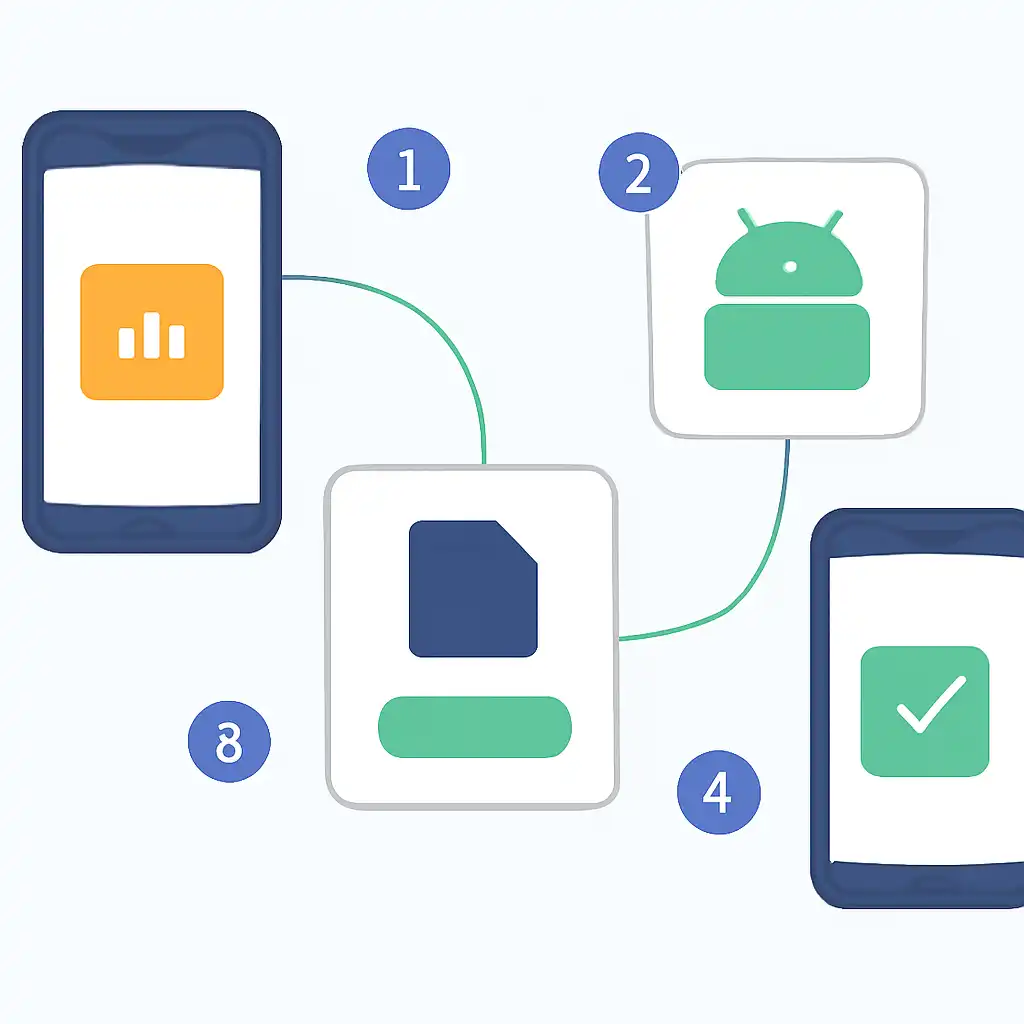
Before Android executes the file, you grant a one-time permission: Settings → Apps → your browser → Allow from this source. On Android 7 or older the toggle lives at Settings → Security → Unknown Sources. Once allowed, Android's package manager opens the standard installer screen. Tap Install, wait 10 to 15 seconds, and Rummy Wealth appears on your home screen. The app works on Android 5.0+, though Android 10+ delivers the smoothest gameplay on popular Indian handsets like Redmi Note 12, Samsung Galaxy M34, or Realme Narzo 60.
Android APK Install Tips and FAQs
Use Wi-Fi whenever possible. At 45 to 50 MB the download eats about 5% of a standard 1 GB daily 4G pack. A 20 Mbps home connection finishes in under 30 seconds at no data cost. If you must use mobile data, switch to a Jio or Airtel unlimited plan first to avoid surprise charges.
Free up storage before you start. Android needs roughly twice the APK size, around 120 MB, to unpack and install the app safely. Go to Settings → Storage to check your free space. Clearing cached WhatsApp media or old OTT downloads is usually enough. FAQ: Does sideloading void my warranty? No. Installing a single signed APK does not root your device or touch system partitions, so your manufacturer warranty remains fully intact. Rummy Wealth signs every release with a fixed private key; Android rejects any tampered copy automatically, keeping your device secure.
Android APK Install Common Questions
Q: My phone says "Install blocked", what do I do? This means the "Allow from this source" permission is off for the browser you used to download. Navigate to Settings → Apps → Chrome (or whichever browser) → Install unknown apps → toggle ON, then tap the APK file again from your Downloads folder.
Q: How do I update Rummy Wealth after the initial install? The app shows an in-app update banner when a new version is ready. Tapping it downloads a fresh APK through the same browser. If that browser's install permission was cleared, re-grant it in Settings, the process takes under 10 seconds and does not affect any other installed app on your phone.
Q: Is the APK safe compared to a Play Store app? Yes, provided you download only from the genuine official platform. The HTTPS connection prevents file tampering in transit, and Android's signature verification blocks modified APKs from running. Third-party mirror sites are not endorsed and should be avoided entirely.