Password Reset, Rummy Wealth
Everything on password reset for rummy wealth in one place, timings, requirements and what to check first.
What is Password Reset?
A Rummy Wealth password reset is the official self-service process that lets you regain full access to your account when you have forgotten your login credentials or suspect unauthorised access. Unlike a simple in-app password change, which requires you to already be logged in, a password reset works entirely from the login screen using only your registered Indian mobile number and a one-time OTP. No email address, no support ticket, and no waiting period is required.
Rummy Wealth ties every player account to a verified Indian mobile number on Airtel, Jio, Vi, or BSNL. When you trigger a reset, a 6-digit SMS OTP is dispatched to that number within seconds. You enter the OTP, choose a new password that meets the platform's security policy, minimum 8 characters, at least one uppercase letter, one digit, and one special character such as @, #, or $, and you are instantly logged back in with full access to your wallet and game tables.
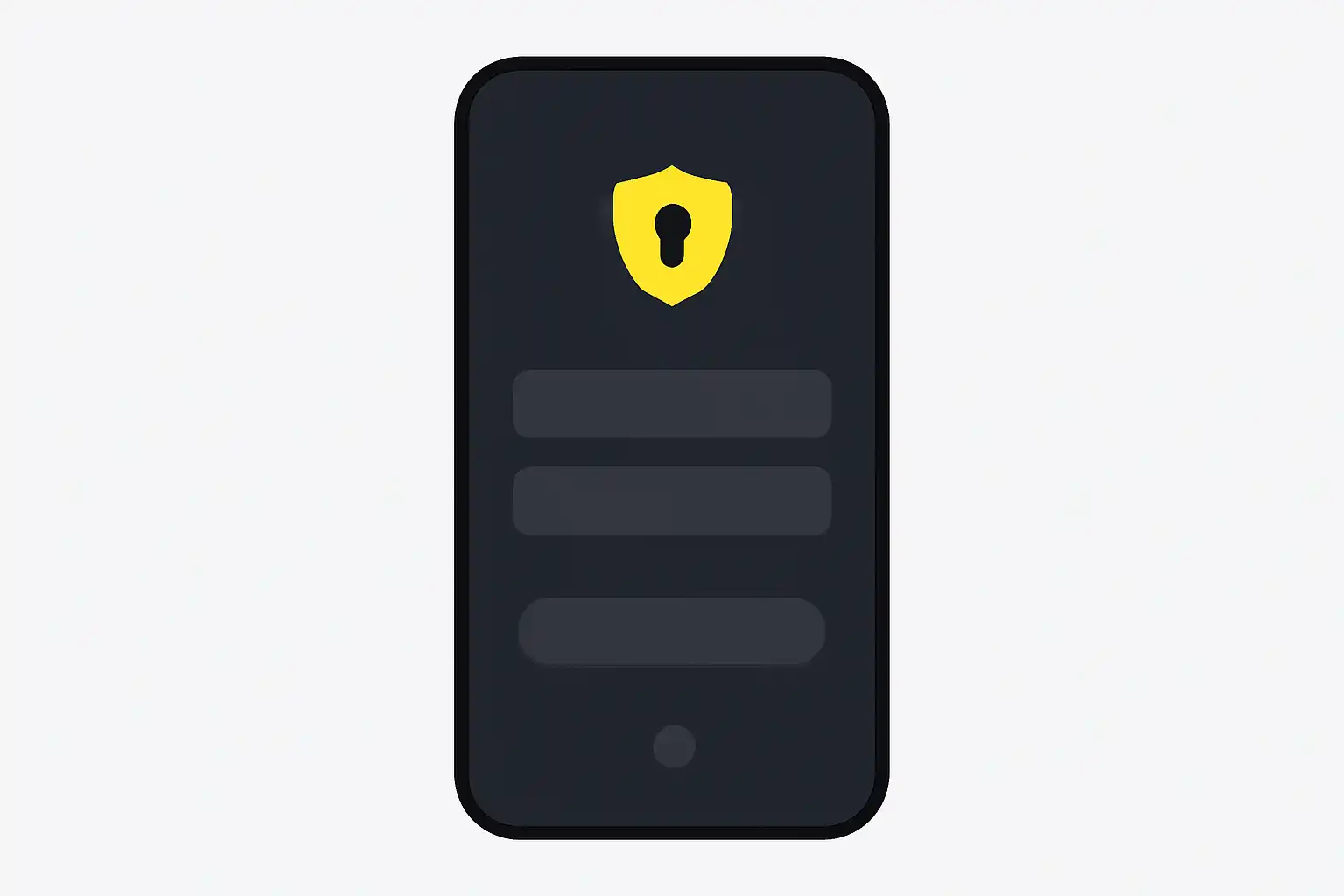
Step-by-step: How to reset your Rummy Wealth password
- Open the Rummy Wealth app or visit rummywealthapp.org in your browser.
- Tap Login, then tap Forgot Password? below the password field.
- Enter your registered mobile number and tap Send OTP.
- Enter the 6-digit OTP from your SMS inbox within 60 seconds.
- Type your new password, confirm it, and tap Reset Password.
- You are logged in automatically, check your wallet balance to confirm full access has been restored.
Password Reset Tips and FAQs
Tip 1, Use a strong, unique password. Never reuse a password from PhonePe, GPay, Paytm, or any BHIM UPI-linked app. Because Rummy Wealth connects directly to your withdrawal wallet, a shared password dramatically raises your financial risk. A reliable format is a passphrase like Rummy@Win2026, personal, memorable, and policy-compliant. Store it in a trusted password manager rather than your phone's notes app.
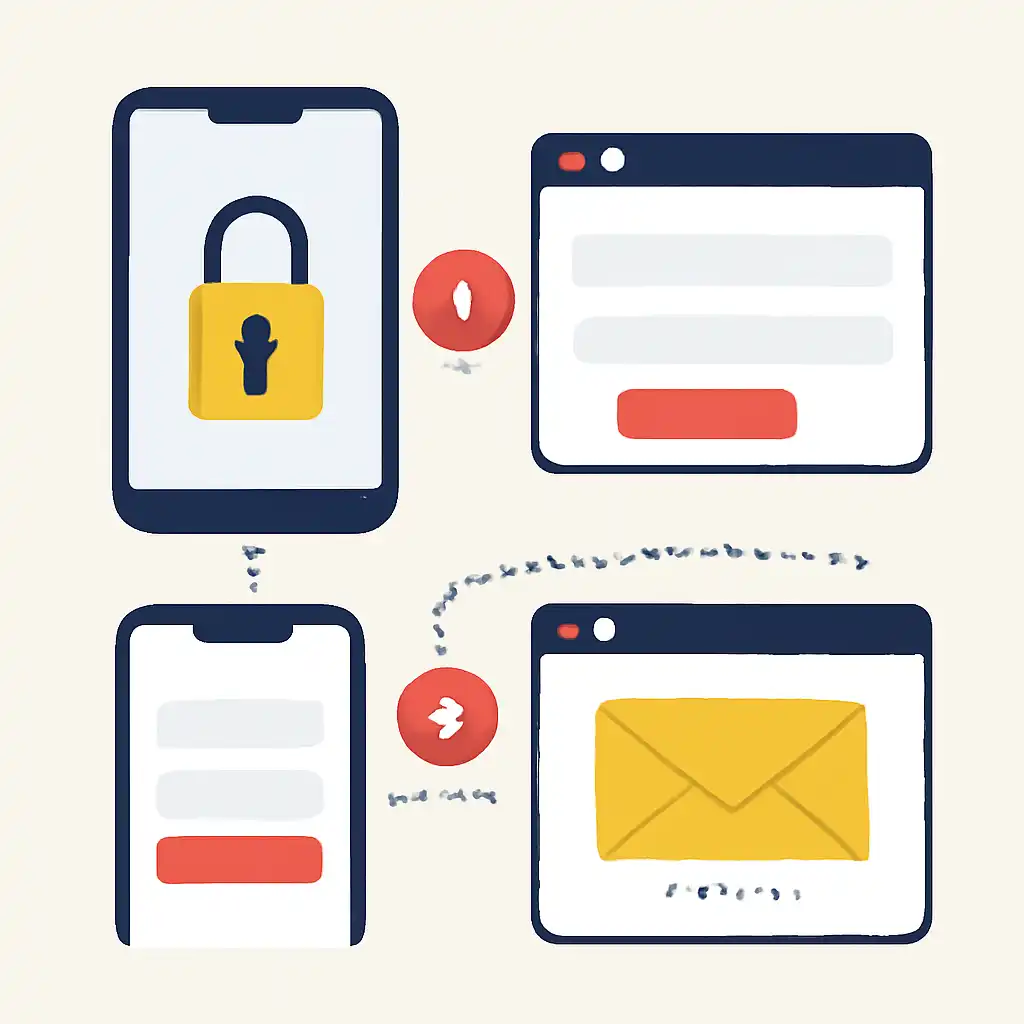
Tip 2, Reset immediately if you spot a suspicious login alert. Rummy Wealth sends an SMS notification whenever your account is accessed from an unrecognised device. If you receive one you did not initiate, go to Forgot Password right away, reset your credentials, and message Rummy Wealth support to flag and terminate the active session. Acting within minutes prevents any unauthorised withdrawal requests from being processed.
Tip 3, Keep your registered SIM active and up to date. The OTP is delivered exclusively to the mobile number on record. If your SIM has been deactivated, ported, or changed without updating your Rummy Wealth profile, the self-service reset will not work. In that case, you must raise a manual identity-verification request with Rummy Wealth support, which can take 24 to 48 hours and requires a government-issued ID such as Aadhaar or PAN.