Account Locked, Rummy Wealth
Account locked for rummy wealth players in India, how it works, what it costs and how long it takes.
What Is Account Locked on Rummy Wealth?
An account locked status on Rummy Wealth means your login access has been suspended by the platform's automated security system. You cannot log in, join tables, withdraw winnings, or access your wallet until the lock is resolved. Your existing balance is not forfeited, it remains held safely in your wallet throughout the lock period.
Rummy Wealth locks accounts for specific, traceable reasons: five or more consecutive failed login or OTP attempts; a login detected from a new device or unfamiliar IP address; a KYC mismatch where your PAN card, Aadhaar, or linked bank details do not match; use of multiple accounts from a single device; or a disputed payment flagged by your UPI provider. Identifying which trigger applies determines which unlock path to follow.
Account Locked Step by Step, How to Unlock Your Rummy Wealth Account
Open the Rummy Wealth app or visit rummywealthapp.org and attempt to log in. Note the exact error message displayed, "Too Many Attempts," "Account Under Review," or "KYC Pending", and screenshot it before proceeding, as support will ask for it.
For a failed-attempts lock, tap Forgot Password, enter your registered mobile number, complete OTP verification, and reset your password. Wait 15 minutes before logging in again, the cooldown is enforced server-side. For a KYC or suspicious-activity lock, go to Help & Support → Raise a Ticket, select "Account Locked," attach a clear photo of your PAN card plus a live selfie, and submit. For a chargeback-related lock, first withdraw the dispute through your bank or UPI app (PhonePe, GPay, BHIM), then share the bank's written closure confirmation with Rummy Wealth support as proof before requesting the unlock.
Account Locked Safety and Timing on Rummy Wealth
The lock is a protective measure, not a permanent penalty. While active, no withdrawals, deposits, or gameplay can occur, meaning no unauthorised party can drain your wallet if your credentials were compromised. If you suspect someone else triggered the lock, change your mobile SIM PIN and enable two-factor authentication before requesting an unlock.
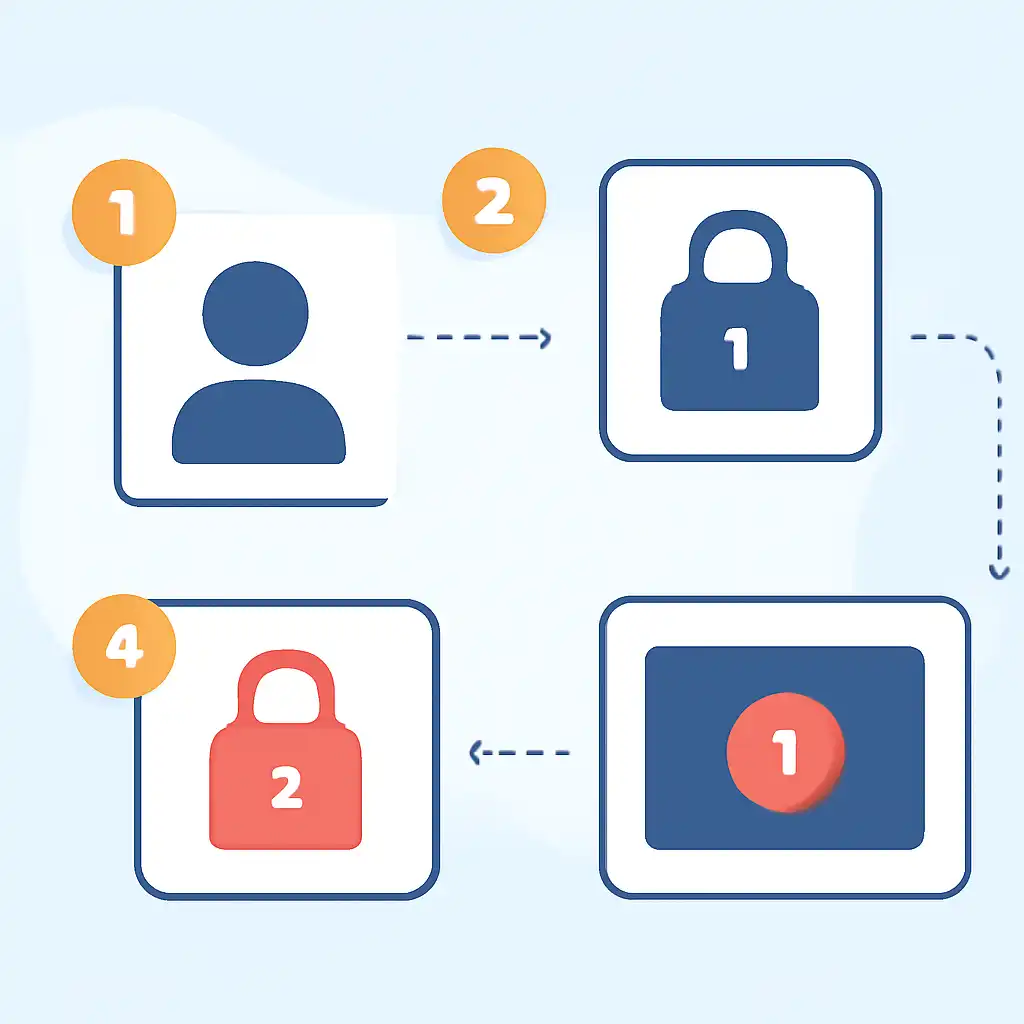
A failed-attempts lock auto-releases after 30 minutes with no further login attempts. A KYC review lock typically resolves within 24 to 48 hours after document submission. Policy violation locks involving multi-accounting or chargeback disputes undergo manual review and can take 5 to 7 business days. Submitting incomplete documents or raising duplicate support tickets slows resolution, attach everything upfront and wait for the assigned timeline.
Account Locked Common Questions on Rummy Wealth
Will I lose my Rummy Wealth balance while locked? No. Your coins, cash balance, and bonus remain intact. The lock restricts access only, funds are not deducted during any review period.
Can I create a new account to keep playing? No. Registering a second account while your primary account is locked violates Rummy Wealth's one-account policy and can result in permanent suspension of both accounts and forfeiture of winnings. Use the support ticket route exclusively.
How do I contact Rummy Wealth support if I cannot log in? Email support directly at the address listed on rummywealthapp.org's Contact page, or use the in-app chat on a secondary device. Include your registered mobile number, the screenshot of the lock error, and your last successful transaction ID so the team can locate your account without requiring login access.