iOS App Install, Rummy Wealth
Everything on ios app install for rummy wealth in one place, timings, requirements and what to check first.
What is iOS App Install?
The Rummy Wealth iOS app install is the process of pinning the official Rummy Wealth client to your iPhone or iPad home screen so you can launch real-money rummy with a single tap, no browser required each session. Because Apple's App Store restricts real-money gaming apps for Indian users, Rummy Wealth delivers its iOS experience as a Progressive Web App (PWA) accessed through Safari and saved directly to the home screen.
Any iPhone running iOS 13.0 or later qualifies. The install takes under two minutes, requires no Apple ID password, and leaves a footprint under 12 MB. All core game modes, Points Rummy, Pool Rummy, and Deals Rummy, plus the welcome bonus work identically to the Android version once the icon is on your home screen.
How iOS App Install Works
Safari on iOS supports the "Add to Home Screen" (A2HS) standard. When rummywealthapp.org serves its Web App Manifest and Service Worker, Safari treats the site as an installable application. Tapping Add to Home Screen downloads the manifest, defining the Rummy Wealth icon and splash screen, and registers a Service Worker that pre-caches game assets so the app opens instantly even on slow 4G.
The shortcut launches in standalone mode: no address bar, no browser chrome. It looks and behaves like a native app. All transactions travel over TLS 1.3 encryption, the same standard used by Indian banking apps. Note: only Safari exposes the Add to Home Screen option that creates a true standalone PWA on iOS, always open rummywealthapp.org in Safari, not Chrome or Firefox.
iOS App Install Step by Step
- Open Safari on your iPhone or iPad, not Chrome, not Firefox.
- Navigate to rummywealthapp.org and wait for the page to finish loading.
- Tap the Share icon (box with an upward arrow) in Safari's bottom toolbar.
- Scroll the share sheet and tap Add to Home Screen.
- Confirm the name reads "Rummy Wealth," then tap Add in the top-right corner.
- Tap the new icon on your home screen to launch the app in full-screen standalone mode.
- Register or log in, claim your welcome bonus, and select your preferred rummy variant.
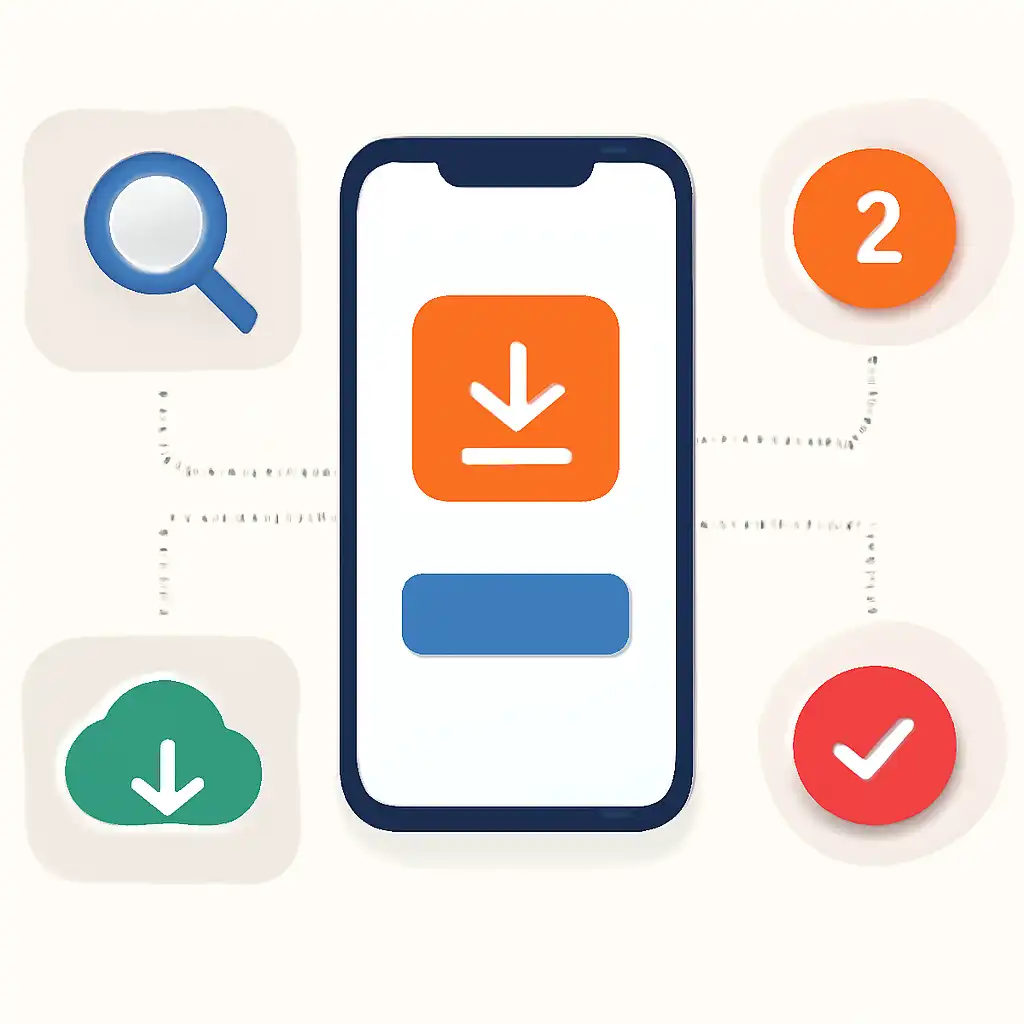
The entire process takes roughly 90 seconds on a standard Wi-Fi or 4G connection. No OTP or email confirmation is needed for the install itself.
iOS App Install Tips and FAQs
Tip 1, Always use Safari. Chrome and Firefox on iPhone do not expose the Add to Home Screen option that creates a standalone PWA. If you don't see the Share icon, scroll to the very bottom of the Safari toolbar. Tip 2, Enable pop-ups for the domain. Go to Settings → Safari → turn off Block Pop-ups, then reload rummywealthapp.org before installing, so deposit confirmations display correctly.
FAQ: Will the app update automatically? Yes. The Service Worker fetches updates silently each time you launch, so you always run the latest rummy wealth build with no manual action. FAQ: Does removing the icon delete my account? No, your account lives on Rummy Wealth's servers. Deleting the home-screen icon only removes the shortcut; reinstalling it restores full access instantly. FAQ: Is the PWA safe on iOS? Yes. It runs inside Apple's WebKit sandbox with no access to your contacts or photos, and all financial data is encrypted end-to-end.